Multi-Factor Authentication Setup #
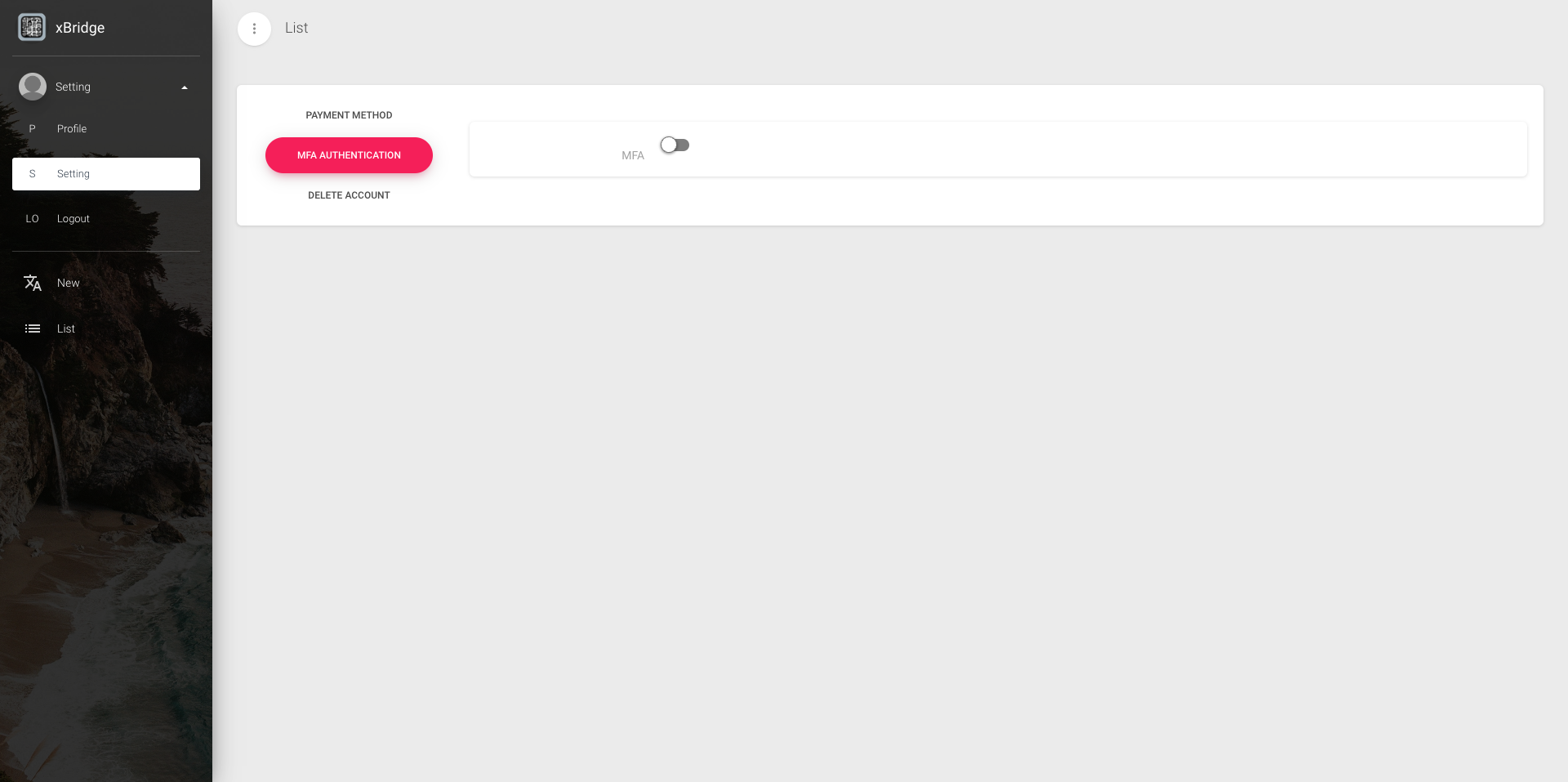
Click on the MFA AUTHENTICATION tab from the menu Settings.
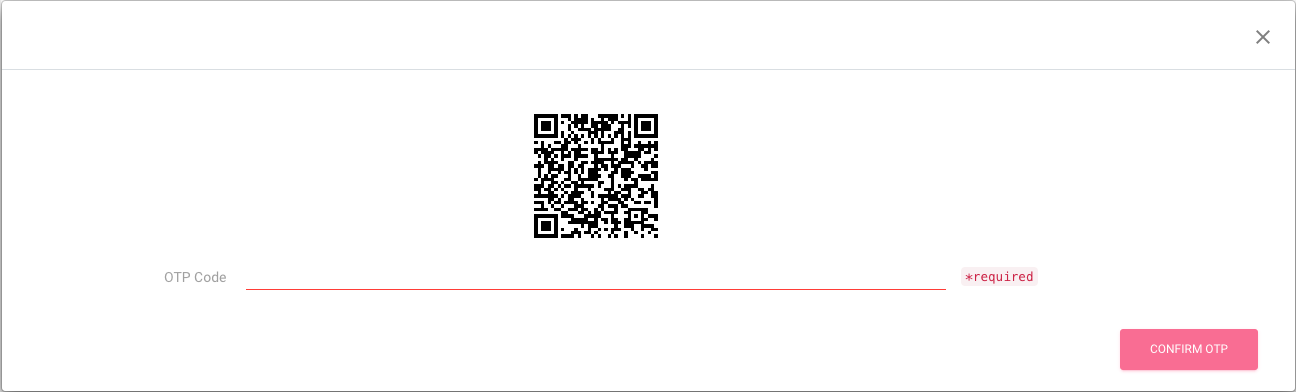
Click the MFA switch to enable it, and a QR code for registration will be displayed.
Register the QR code displayed on the registration QR code screen to Google Authenticator or similar apps.
Enter a valid OTP code and click the CONFIRM OTP button to verify the OTP.
Once a valid OTP is confirmed, the modal will automatically disappear and the multi-factor authentication setup is complete.
You will be required to enter an OTP during your next login.
*Please never delete the information registered on your multi-factor authentication device, as this will prevent you from logging in.